
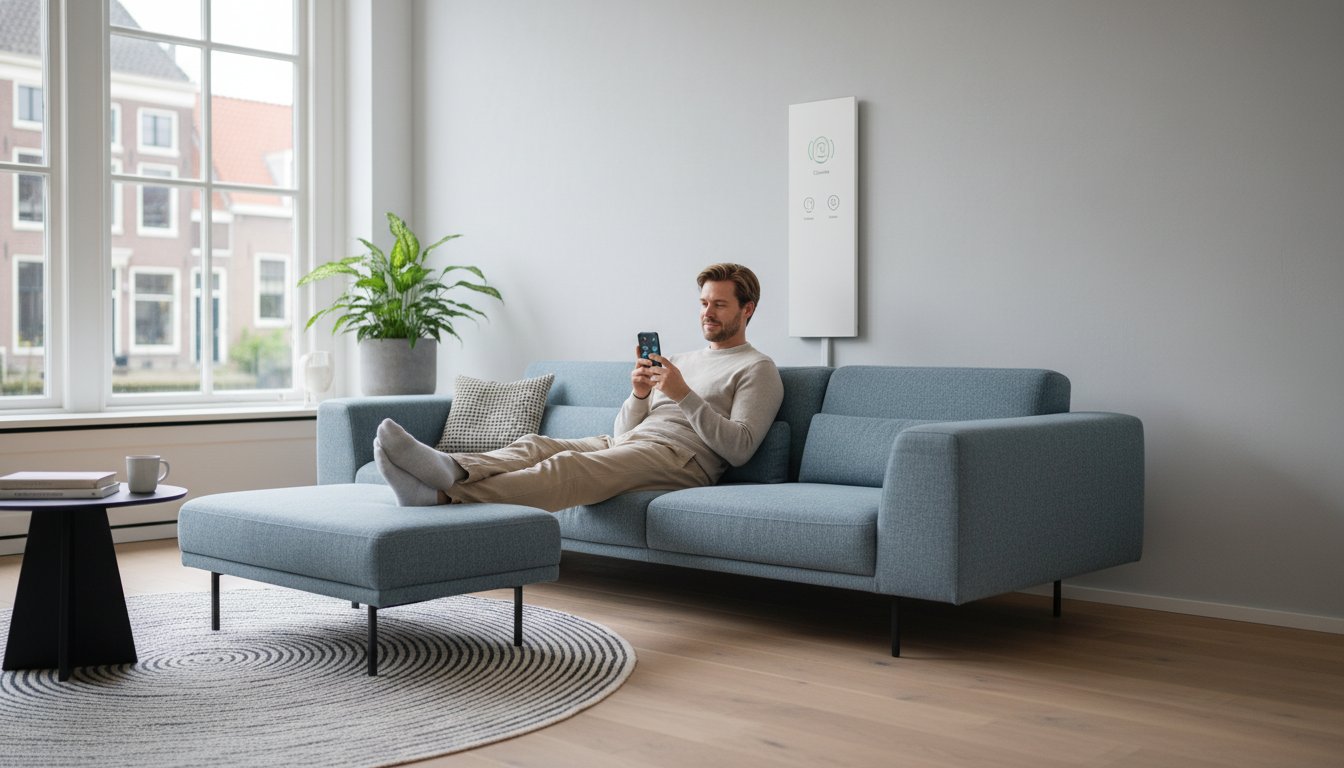
Illustration: the symbols on the panel are schematic and do not confirm the functions of a specific model. Check the product information for those details.
Want to control an infrared panel with Wi-Fi? Start with the existing equipment and the function you need. A new panel with built-in controls requires a different approach from an existing heater with an external controller. This guide helps you assess the connection between panel, sensor, thermostat and app before combining components.
Choosing an infrared panel with Wi-Fi
Record the brand, model, output and existing electronics. Check whether external switching is permitted and which sensor belongs with the controls. Use only supported apps and connections. After configuration, test not only the app but also local control and behaviour during outages.
What can an infrared panel with Wi-Fi do?
Wi-Fi can make settings and programmes accessible remotely. It does not change the room’s heat demand or the panel’s heat transfer. Radiation and convection both remain present. A good local thermostat can already control heating effectively; Wi-Fi is mainly useful when you actually use remote operation or supported automation.
The arrangement of panel, receiver and sensor
With built-in controls, the heater and control module form a product combination. With an external solution, the controller must suit the panel’s load and connection. The sensor must provide a useful measurement of the intended room. An external sensor is not automatically compatible simply because it is wireless; the protocol and supported combination must match.
A smart plug is not a universal replacement for a thermostat. Check whether the panel restarts as intended after a power interruption and whether its own electronics permit external switching. Switching capacity and plug position must also be suitable. Do not use an ordinary lighting dimmer for a heating panel without explicit approval.
Wi-Fi describes communication, not automatically modulation of heating output. A controller may switch on and off, vary time periods or use another supported method. Ask which method the product actually uses. An app or wireless receiver does not prove that the appliance reduces electrical peaks or switches itself off during every fault.
Assessing controls and energy use
Start with a programme suited to occupancy times. Then check which additional functions actually help. Geofencing, for example, may respond to phone locations but needs permissions and suitable settings and does not automatically recognise everyone present. An automation rule must not unintentionally interrupt the comfort of residents or employees who remain behind.
Check whether consumption figures are measured or calculated. A calculation from time and configured output can be useful as an indication, but is not an independent energy measurement. Compare total heating consumption before and after the change under similar conditions. Adding app functions alone does not deliver proven savings.
Control based on dynamic tariffs or solar generation requires a supported connection and comfort and temperature limits. Cheaper electricity at another time does not automatically mean a lower total bill if you preheat for longer. Assess price, additional consumption and actual use together.
Preparing installation and configuration step by step
Have the electrical load and connection assessed for the panel, controller and other appliances. Check permitted mounting, clearances and cable routing. In a bathroom, assess the whole combination of product, location and protection. A working app does not replace a physical installation inspection.
Use the app and pairing procedure specified by the manufacturer for the version concerned. Check the supported network band, phone settings and any gateway before changing router settings. Do not follow a generic button-hold time or reset instruction for another model. A reset may erase saved settings or shared access.
Test a temperature change and confirm that the correct sensor and heater respond. Then check the programme, manual operation and recovery after power and internet outages. Voice assistants or other platforms must specifically support this product version. Sharing an app name does not guarantee full compatibility between products.
Advice for new and existing panels
We help private and business end users, installation companies and wholesalers choose a suitable combination. For an existing system, send model details and photos of the panel and controller. State which functions you want to keep or add. This helps us assess whether extending the system is worthwhile or a different control arrangement is needed.
Maintaining a working configuration
Keep product documents, settings and management responsibilities. Share access using supported user functions and update the app and firmware as instructed. Ask about support and any service costs. The panel’s expected service life and the availability of an app or cloud service are different matters.
Frequently asked questions
Which app should I choose?
Use the current app prescribed for the product. Check supported phone versions, accounts and connections. Tuya, Smart Life or another name on a similar product does not prove that your version works with it. If in doubt, ask for confirmation before changing equipment or accounts.