
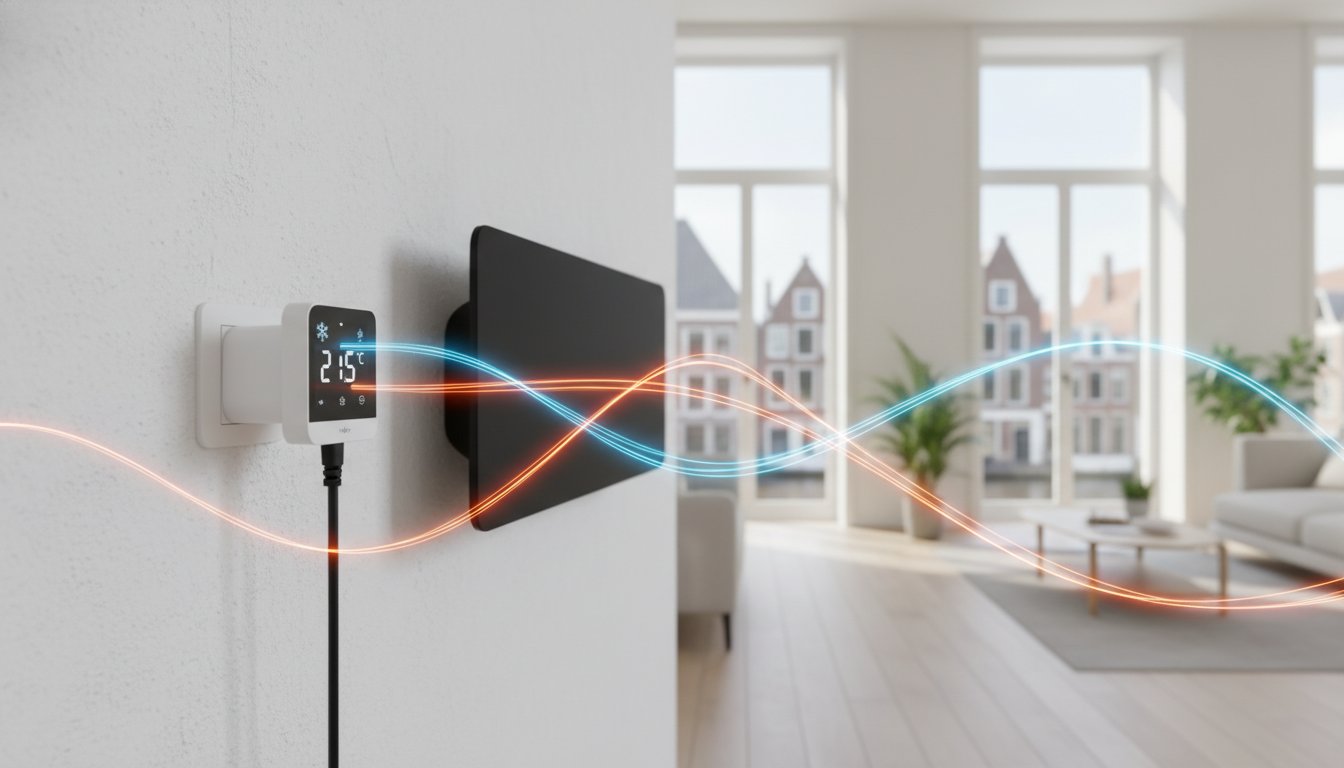
Illustration: the coloured waves explain the principle. Radio connections and infrared radiation themselves are invisible.
A plug-in thermostat can control a suitable plug-in heater by temperature without installing fixed wall controls. The receiver switches the power according to a built-in or separate temperature sensor. Before buying, check whether the heater’s power supply may be switched externally and whether the appliance restarts correctly afterwards.
This guide mainly covers choosing the plug-in model, the measurement location and checks for everyday use. For a home, office or project through an installer or wholesaler, the exact product conditions remain decisive. A plug does not automatically make a combination safe or suitable.
Key points
Check plug type, protective earthing where required, load capacity and environmental conditions for every component. Ensure the sensor measures the occupied space. A digital display or Wi-Fi says nothing by itself about measurement accuracy or savings. Do not use a multiway adaptor to connect several heaters unless the complete combination is expressly permitted.
How a plug-in thermostat works
The controller compares the measured temperature with the setting and switches according to its control method. An internal measuring point is in or near the plug-in unit; other versions use a separate sensor or wireless room thermostat. These versions can measure very differently, even when the switched plug looks the same. Read which component actually determines the room temperature.
The thermostat controls heat demand, but does not determine the required panel output or insulation. A warm panel may continue releasing heat after switching off. Suitable controls can limit unnecessary heating; the plug-in format does not guarantee fixed savings or an immediately perfect temperature. Compare the result with the situation in which you use the appliance.
Load, connection and measurement characteristics
Use the specified load rating for the exact equipment type, including any conditions for continuous operation and start-up behaviour. A general 16-amp rating does not establish that every heater up to a calculated maximum is safely suitable. The socket, plug, contact quality, surroundings and simultaneous appliances all matter. Have uncertainty about high loads assessed by an installer.
Check the appropriate plug connection and continuity of protective earth if the connected appliance needs it. CE and RoHS are not general quality marks for accuracy or heating safety. A software child lock does not prevent a child reaching a hot surface or plug. Choose positioning and supervision to suit the users.
Accuracy and hysteresis
Distinguish display resolution, measurement accuracy and switching differential. Hysteresis describes switching-on and switching-off limits, but manufacturers can define it differently. A value of 0.5 degrees does not therefore always mean a symmetrical band around the set temperature. Use the manual and do not change an advanced setting without understanding its meaning.
Simple and programmable versions
A dial can offer straightforward operation. A digital screen can show the measured value, setpoint and programme, but does not automatically provide more accurate measurement. Choose a weekly programme if times really vary. Also check readability, accessibility and whether other users understand the controls; more menus are not always an improvement.
An external wired sensor or separate wireless thermostat may help when the socket is not a representative measurement location. Check permitted sensors, cable length, batteries and wireless compatibility. Do not replace a sensor with an arbitrary type, and extend a sensor cable only if the manufacturer permits it.
Wi-Fi can add remote control, but check whether internet, an account or a cloud service is required and what works without a connection. A smart socket with only a timer is not automatically a thermostat. Also check whether displayed consumption is genuinely measured and whether smart-home connections support the exact version.
Positioning and checks before use
Keep the unit and measuring point unobstructed as instructed. Avoid a sensor behind a curtain or cupboard, in direct panel radiation, sunlight, draughts or heat from other equipment. A low wall socket can also measure a different temperature from the occupied seating area. If the location is unsuitable, choose another measurement solution designed for that purpose rather than treating an extension lead as a general solution.
Checklist for first switching on
Check model details, load and visible damage while the equipment is safely switched off. Connect as the manuals prescribe and test a temporary setpoint change. Check that the correct panel responds and that the programme and measurement are understandable. Compare the measurement only after stabilisation and record the chosen settings.
Stop if you notice a burning smell, damage, loose connections or unusually hot plug components, and have the combination assessed. Do not clean live electrical contacts or open the unit. A thermostat does not replace required protective devices or a sound wall socket.
Help choosing a suitable plug-in thermostat
Share the heater type and output, desired functions and a photo of the occupied area and socket location. State whether it is for temporary supplementary heating or daily use. We discuss suitable product information with you and, where necessary, your installer or wholesaler. For damp or unusual environments, we assess the application separately; an external sensor does not make the plug-in unit itself moisture-resistant.
Clear operation and management
Keep manuals and record which thermostat controls which panel. After moving equipment or a power outage, check the clock, programme and heating response. Agree who changes settings in shared use. This keeps a simple solution understandable without assuming functions the selected model does not offer.
Frequently asked questions
Are settings retained during a power outage?
This differs by model. Check the temperature setting, clock, weekly programme, pairing and panel restart separately. A remembered setpoint does not prove that the whole installation automatically resumes identically. Test the prescribed recovery behaviour and use the documentation for your version.
Does the frost setting protect every pipe?
No. A temperature function at the sensor does not guarantee protection at every cold spot and does not work without power. For a vulnerable outbuilding, have heat demand, sensor position and additional protection assessed. A fixed five-degree limit or a plug-in thermostat is not complete frost protection.