
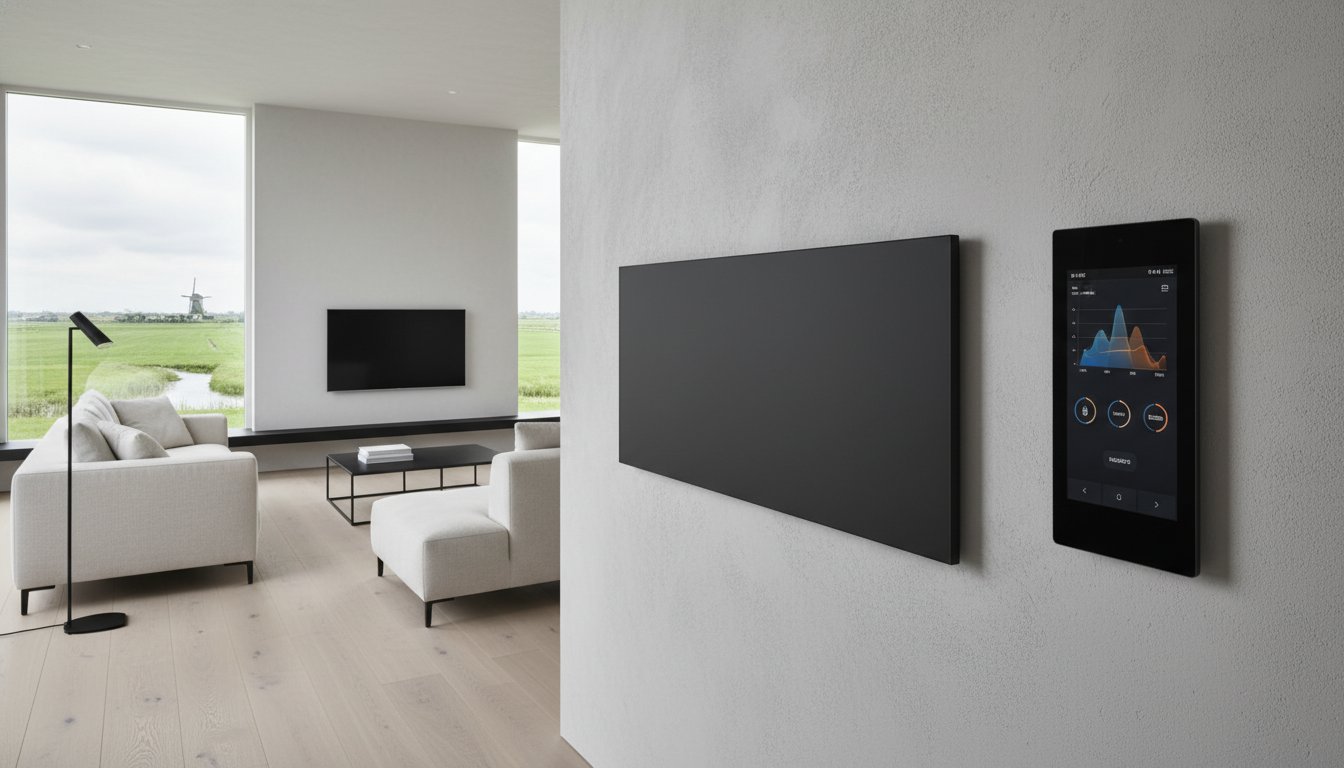
Infrared heating with KNX requires coordination between the panel, switching equipment, sensors and control strategy. Integration is not a universal plug-and-play function. Start with the functions you need and have a KNX integrator assess the technical combination.
This guide prepares you for a design discussion; it is not a wiring diagram or universal ETS configuration. We discuss product selection and applications with private and business end users, installation companies and wholesalers. Panel and component manufacturers’ instructions determine what is possible for the chosen version.
Key points
Coordinate power supply, switching equipment, temperature measurement and controls. Also define what happens in a fault. Electrical suitability and restart behaviour of the exact panel matter more than a KNX connection alone.
Separate KNX communication from the heating power supply. Check the load and permitted switching for each channel. Choose a representative temperature sensor, usable local controls and a documented response to faults. Automation can limit unnecessary use, but does not prove a fixed saving or higher electrical conversion efficiency of the panel.
When does infrared heating with KNX add value?
KNX can coordinate temperature, schedules and building functions within a suitable design. This can be useful where several rooms, control points or central functions are needed. For one room, a simpler suitable thermostat may be sufficient. Compare the full investment, operation, maintenance and access to support before choosing a system.
A wired bus system can reduce dependence on wifi for local functions, but is not fault-free. Power supply, wiring, components and configuration still matter. A wireless system can also be suitable when properly designed. Wiring lifespan or future compatibility is not an unlimited guarantee.
Assessing components and compatibility
Define how the panel may be controlled externally: switched power supply, a specific input or an approved interface. A panel with built-in electronics may have its own restart behaviour after a power interruption. The absence of a built-in thermostat likewise does not prove every switching cycle is permitted. Request confirmation for the exact combination.
Choosing a suitable actuator
A KNX actuator for valve drives is not automatically suitable for supplying a mains-voltage panel. Have rated load, switch-on behaviour, channel and total load, ambient temperature and required protection assessed. Additional switching equipment is sometimes necessary. Relays, semiconductors and contactors each have their own conditions; a triac is not a universally silent or better solution.
Sensor and local controls
Place the temperature sensor where it measures the room representatively, away from direct radiation, draughts and equipment influences. A sensor in a push-button or presence detector is only useful if its position and measurement characteristics are suitable. Agree how users adjust temperature, which limits apply and where actual status is visible.
Steps for design and commissioning
1. Define heat demand and functions
First determine the required output and mounting positions through an appropriate heat-loss assessment. Describe desired temperatures, operating times, controls and exceptions for each zone. Include bathroom or other special conditions. Automation does not replace sufficient heating capacity or make an unsuitable mounting position suitable.
2. Create the electrical and communication design
Have a qualified installer determine the power supply, cable cross-sections, circuit distribution and protection. One fixed cable size for every project is not responsible practice. The KNX integrator matches the medium, power supply, topology and components to the design. Record channel assignments, outputs and associated documentation so future servicing remains possible.
3. Configure controls and data exchange
The integrator configures devices using suitable software and product data. Agree where the room controller is located and how setpoint, measured value, switching demand and status are exchanged. A group address is not yet a complete functional description. Document priorities for manual operation, schedules, window contacts and central blocking.
4. Test and hand over
Test every zone from the actual user position. Compare the sensor with a suitable independent measurement and only apply correction according to component instructions. Check switching, feedback, manual operation, window contacts and recovery after loss of power or communication. Keep the project file, settings and clear user instructions with explicit service arrangements.
Smart logic without universal settings
PWM is one possible time-proportional switching strategy: the device is switched on for part of a cycle. It is not a universal solution or proof of more efficient electrical conversion. Suitability and cycle length depend on the panel, switching device and controls. Incorrect or excessively frequent switching may conflict with component conditions; do not choose a short cycle on your own initiative.
Presence detection can adapt programmes, but a seated, stationary user must not inadvertently be treated as absent. Account for warm-up time and a usable manual adjustment. With window contacts, the logic must distinguish brief ventilation, an error and prolonged opening. Holiday mode does not guarantee frost protection during a power cut.
Links to shading, ventilation, solar generation or tariffs require explicit objectives and limits. Ventilation must not simply be stopped to save heating energy. Extra heating during solar generation or a low tariff can increase heat loss and is not automatically beneficial. Measure actual consumption and compare the same comfort to assess any advantage.
Support for your KNX heating project
Share the floor plan, heat demand, use and KNX components already selected. We discuss panel data and the desired application with you and the installer or integrator involved. Define who is responsible for system design, wiring, configuration, testing and maintenance. Commitments on stock, installation support or compatibility require specific confirmation.
Creating a concrete, maintainable plan
Good integration is understandable for users and transferable to the next service technician. Start with a functional description and a clearly scoped quotation. For homes, offices and other business projects, we are happy to assess which panel version fits, in consultation with the end user, installation company or wholesaler.
Frequently asked questions
What happens if the bus or sensor fails?
This depends on the devices and their configuration. Check bus failure, missing telegrams, sensor faults, mains failure and recovery separately. Do not assume every actuator switches off safely or automatically restores all settings. Define an appropriate response and test it; independent product safeguards must not be replaced by the controls.
Does the same approach apply to underfloor heating?
The system build-up, floor finish and required temperature limitation add their own conditions. Check sensors, permitted temperatures and independently required protection against the complete floor and heating documentation. A room sensor or KNX connection alone does not prove a safe floor combination. Warm-up time also depends on the floor construction.