
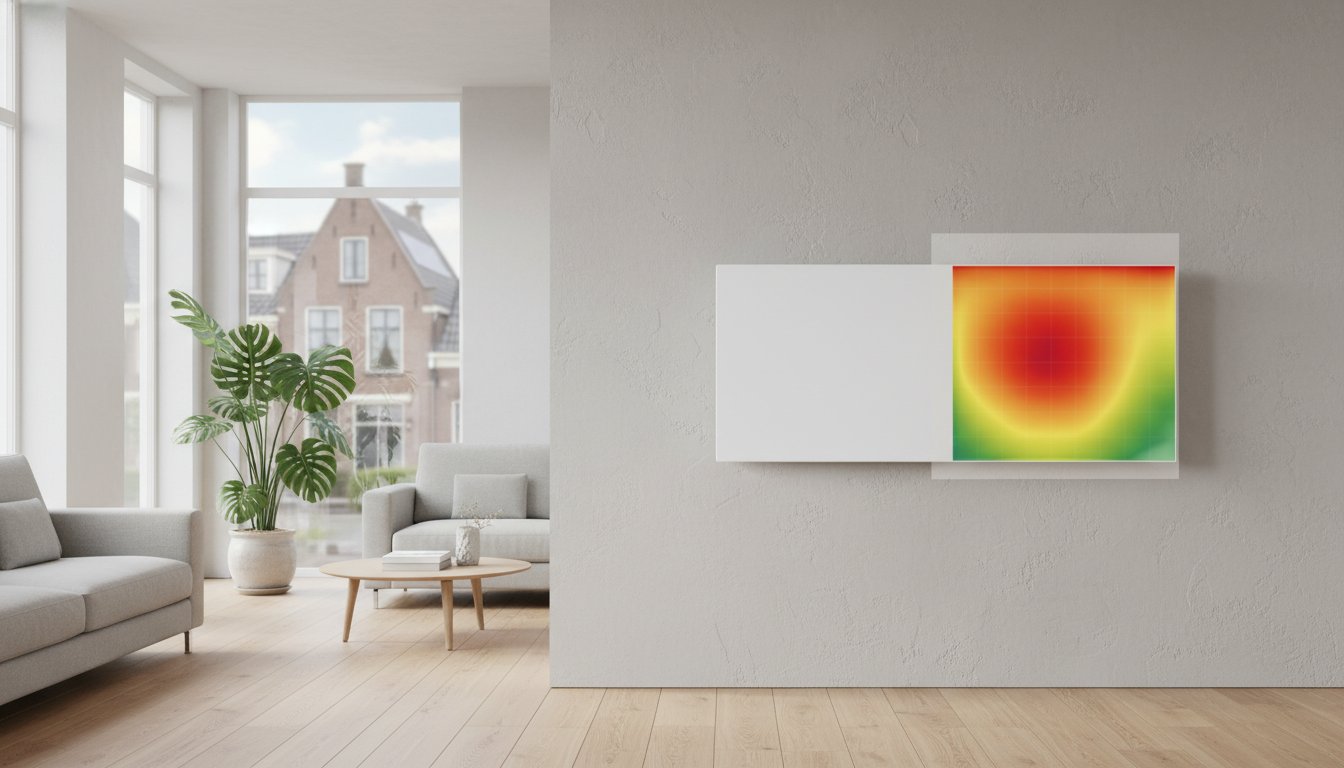
Illustration: the colour map is drawn and contains no measured values. Assessing an appliance requires suitable measurements and data for that model.
Your infrared panel is not equally warm everywhere? Differences may reflect construction or warm-up, but cannot remotely be declared normal or faulty. Compare behaviour with exact model data and particularly note changes from earlier use. Do not feel across the hot plate with your hand.
This guide helps collect observations safely for supplier or installer, not replace inspection. We discuss questions with private and business users, installers and wholesalers. Stop use after damage, burning smells, unusual discolouration, deformation or repeated shutdowns. Switch off safely as instructed, cool and contact supplier or installer. Do not continue measuring if safety is uncertain.
Key points
Compare the same model under similar conditions. Separate warm-up and thermostat cycles from a stable thermal image. Surface and settings can cause infrared measurement errors. A cooler edge does not prove quality; without model limits a temperature difference does not prove failure. Do not open panels or bypass protection.
Unevenly warm infrared panel: when to check?
Some models have different temperatures at heated parts, frame and edges. Warming and cooling also change the image. Model information or manufacturer assessment determines compliance. A general ten-to-fifteen-degree acceptance limit is unsuitable.
A new large cold area, unusual hot spot or marked reduction needs checking. Supply, controls, components or measurement may be involved; the pattern alone identifies no failed part. Apparently normal power draw does not prove every part safe. Report changes rather than attempting internal repairs.
How construction affects the thermal image
Panels use different elements, supports, insulation and front plates. Active-element layout and conduction through layers affect temperature. Carbon, glass or metal does not describe the full design. Do not compare different models solely by touch or one thermal photo.
A frame or cooler edge is not automatically safe to touch. Temperature and permitted contact depend on product. Do not cover cooler zones or change finishes to warm them. Do not drill, remove the front or glue elements. Such changes can affect heat distribution, safety and warranty.
Effects of room and controls
Initial temperature, airflow and mounting affect the thermal image. Thermostats can interrupt supply during comparison. Note room temperature, mode, setting and continuous demand status. Do not force prolonged operation outside instructions for a better image.
Check mounting follows permitted orientation and clearances. Furniture, curtains and enclosed recesses alter emission and local temperatures. Correct only safely and as instructed; relocation or refixing may need an installer. Wall-versus-ceiling differences do not authorise another orientation.
Safe observations and interpreting measurements
1. Collect information without dismantling
Note brand, model, output, purchase date and onset. Photograph appliance, mounting and visible damage only from a safe distance. Record first use, changes after moving or a new pattern during normal use. Share before measuring further if safety is doubtful.
2. Understand infrared thermometer limitations
Infrared thermometers infer temperature from radiation. Emissivity setting, spot size, distance, angle and reflections matter. Visible mirror behaviour does not directly establish response in the measuring band. Use no universal emissivity or distance; follow instrument and product information or commission measurement.
Do not independently put masking tape or other materials on a hot heater for measurement. They may be temperature-unsuitable, damage finishes or change local heat behaviour. An expert selects the method and compares with model limits under controlled conditions. One consumer measurement is neither diagnosis nor certification.
3. Assess controls and input power
Check visible mode and demand as instructed. Electrical tests or plug-in meters must suit installation and load. Do not disconnect fixed wiring, open boxes or repair internally. Have electrical checks performed by a qualified installer. Deviations have various possible causes; supplier or installer should assess them with distribution and controls.
Careful comparison of quality and specifications
Ask for exact model data and measurement reports. A standard, origin or price does not prove every unit’s image or lifespan. Check what was tested and under which conditions. Performance measurement is not an automatic general safety or savings guarantee.
Making a focused enquiry when uncertain
Send model details, observations, clear photos and control information. Describe changes and safety symptoms. We discuss available information and next steps with you, installer or wholesaler. Keep the heater out of use if safety is unconfirmed.
Frequently asked questions
Is a cooler edge always normal?
No. It may belong to the design but must fit model and conditions. Sudden changes, large cold areas or unusual hot spots need assessment. Use manufacturer expectations, not generic temperature thresholds or touching tests.
Can a thermostat affect the image?
It can interrupt warm-up and affect measurement timing. That does not mean every difference comes from controls or excludes an internal fault. Record switching and have the combination assessed. Do not bypass controls to force diagnosis.