
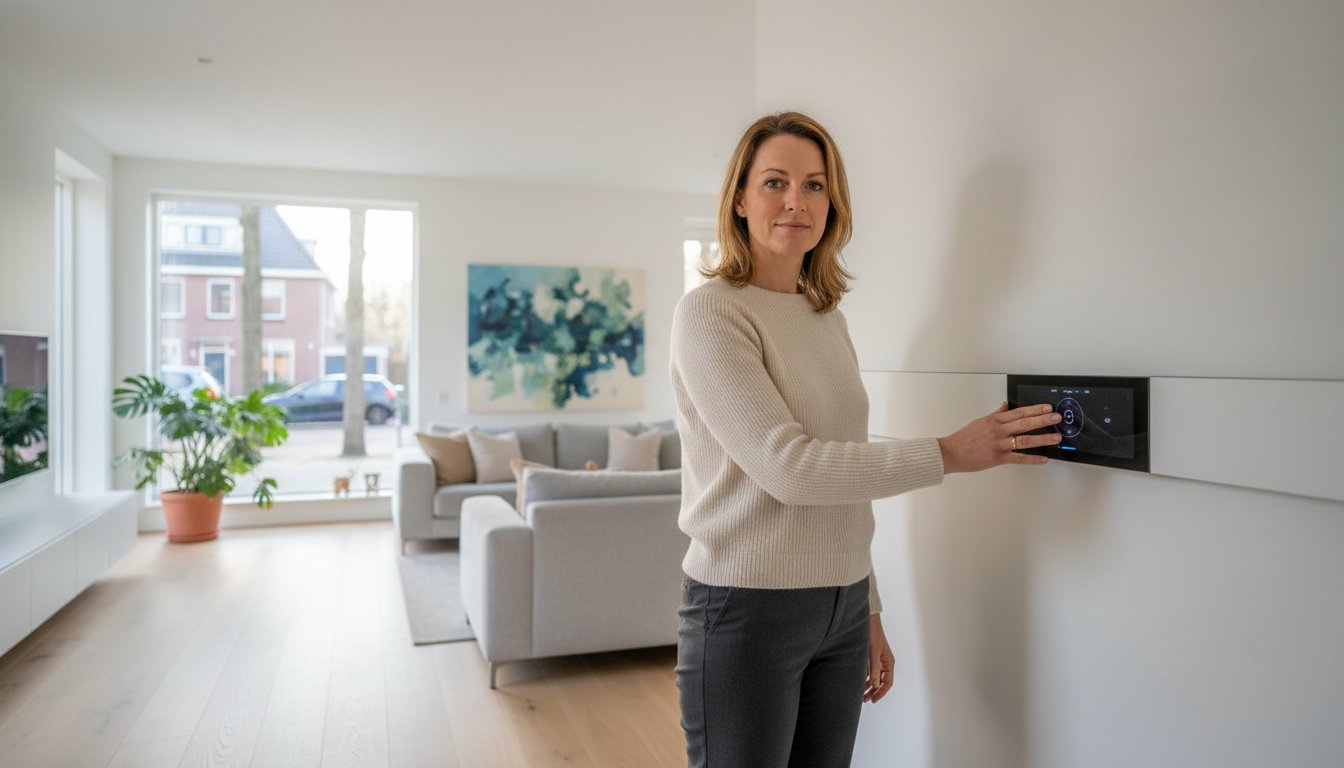
A thermostat for an infrared panel must suit the appliance, connection and room being controlled. An attractive app or precise display does not establish compatibility. Start with documentation for both panel and controls and distinguish temperature measurement, power switching and remote operation.
Key points
Check permitted control methods, receiver capacity and which sensor measures the zone. Test schedules, range and restart in the actual installation. Smart features help only when available, configured and understood by users. The word smart does not establish a fixed saving.
What does a thermostat control?
A room thermostat compares measured temperature with a setpoint and controls heating according to its method. The panel produces radiant and convective heat. Measured air temperature is therefore not identical to warmth felt directly in front of it. Assess both during setup.
Hysteresis determines switching deviation in on/off control. Other controls divide operating time into cycles. Smaller display increments do not automatically mean better measurement or lower consumption. Use settings specified for the appliance; rapid switching is not suitable for every combination.
Wired, wireless or plug-in
A wired thermostat may switch directly or control a separate receiver or switching device. Check supply, output type, load rating and wiring instructions. A boiler controller is not automatically suitable for powering an electric panel. Have the installer assess additional switching components.
Compare our thermostats and controls by function, connection method and compatibility with your panel.
With RF control, the thermostat communicates with a matching receiver. Frequency alone does not prove compatibility: protocol, version and pairing must match. Test final positions with normal doors and furnishings. Check battery warnings and receiver behaviour after signal loss.
A plug-in thermostat may suit an approved arrangement. Check switching capacity and where temperature is measured. A smart plug without a temperature sensor is not a room thermostat. Choose from complete-system performance and conditions, not connector style alone.
Apps, smart features and zones
Check the exact compatibility list, hub and account requirements for smart-home integration. Wi-Fi or Matter does not mean every function works with every platform. Check what works locally without internet and who may change settings. Define access and handover for multiple users.
Adaptive start, geofencing, open-window detection and voice control vary by model. Test whether they help your use. Geofencing must account for all occupants, not one phone. Adaptive schedules may need relearning after insulation or layout changes and guarantee no exact warm-up time.
Distinguish measured kWh from estimates using configured power and switching time. Suitable metering is needed for actual energy. Solar or low-tariff heating can change use; storing extra heat is not automatically free or efficient. Compare the complete bill at the same comfort.
A zone should form a coherent measurement and control group. Grouping panels in an app does not automatically give them a shared sensor. Open spaces interact, while separate rooms may need different schedules. Coordinate floor, radiator and panel heating too.
Choose a representative measurement position
Follow thermostat positioning instructions and assess draughts, sun, equipment heat, wall temperature and direct panel influence. A universal height does not replace this assessment. Compare normal-use measurements with a suitable reference and apply corrections only as instructed.
In floor heating, room and floor sensors may have different roles. Check sensor compatibility and floor temperature limits. Equal nominal resistance does not prove a matching sensor curve. Assess wiring, load and protection for the complete system rather than using a generic wire size.
Prepare the complete combination
We advise private and business end users and support installers and wholesalers. Share exact panel types, quantities, zones, wiring and existing controls. State whether local, remote or existing-system operation is needed. This supports assessment of the combination rather than isolated features.
Test and hand over settings
Test each zone, manual off, schedules and power or network failures. Check retention of time, schedule and temperature: it varies by model. Hand over manuals, settings and any account access carefully. Recheck sensors after layout changes or relocation.
Panel thermostat questions
Can one thermostat control several panels?
Yes, with a suitable configuration. Assess total load, permitted switching duty, receivers and connection. Also establish whether one sensor represents the entire zone. Switching several rooms together does not automatically provide good temperature control.
Does a slow response mean a fault?
Not necessarily, but do not dismiss a fault beforehand. Check sensor position, schedule, setpoint, pairing and actual switching. Room warm-up may differ from warmth felt near the panel. Investigate persistent deviations and use an external sensor only when supported.